See It In Action
One club, four views
Here's what the director, the coach, the family and the athlete each see inside TryoutScout. These are real screens from our demo club, with no account required.
Run tryouts from registration to roster offers
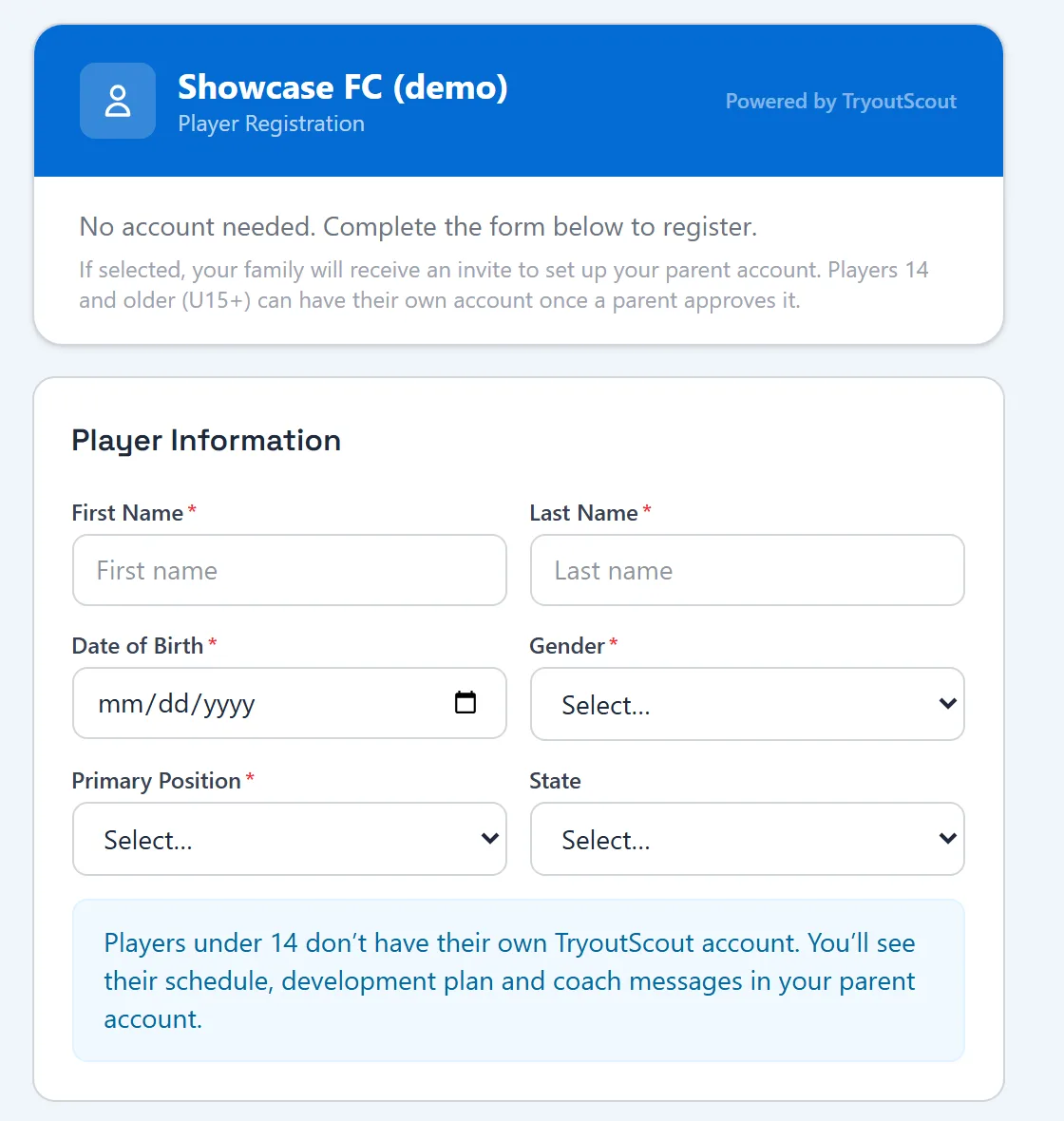
Directors share one registration link, families sign up without creating an account, and every player flows through the same pipeline from check-in to a roster decision.
- Online tryout registration with consents and waivers built in
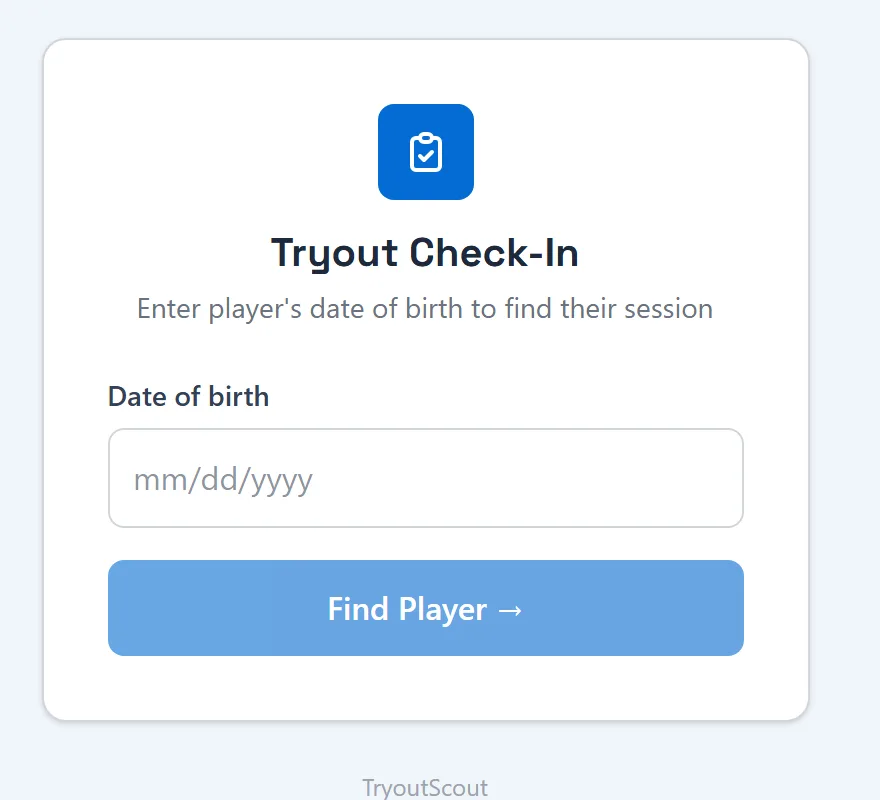
- Check-in on the day by date of birth
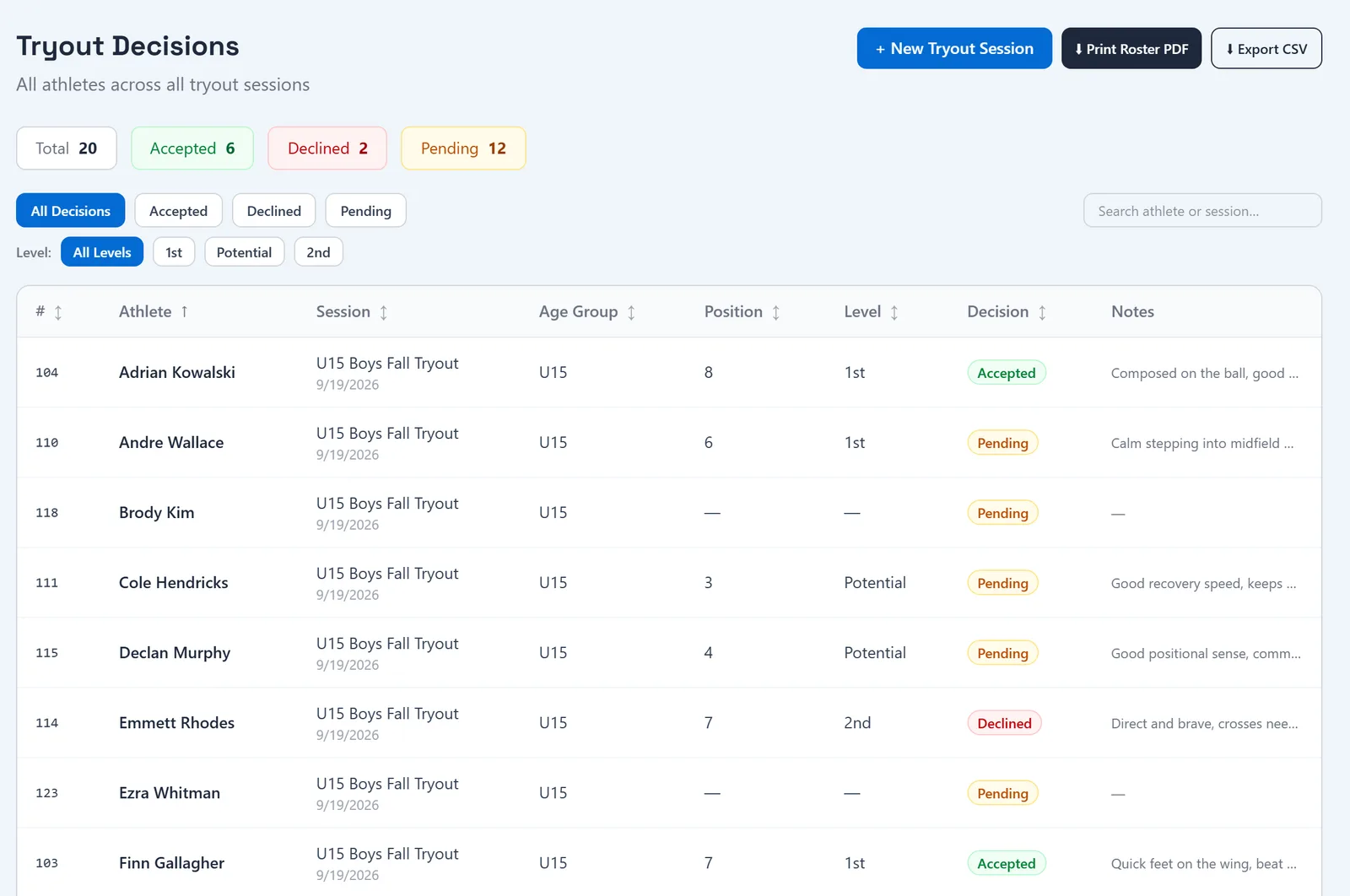
- Tryout evaluations and decisions across every session
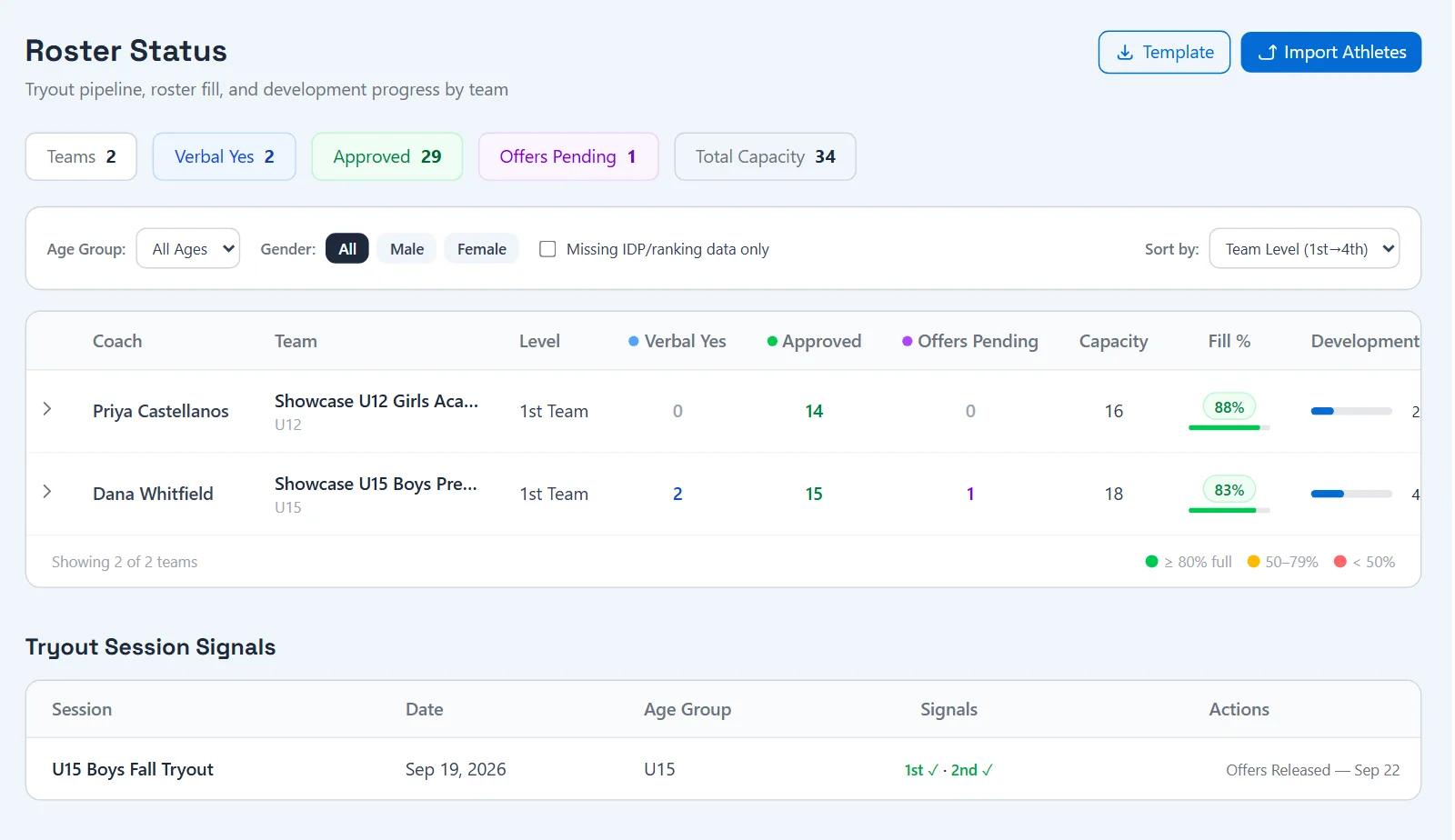
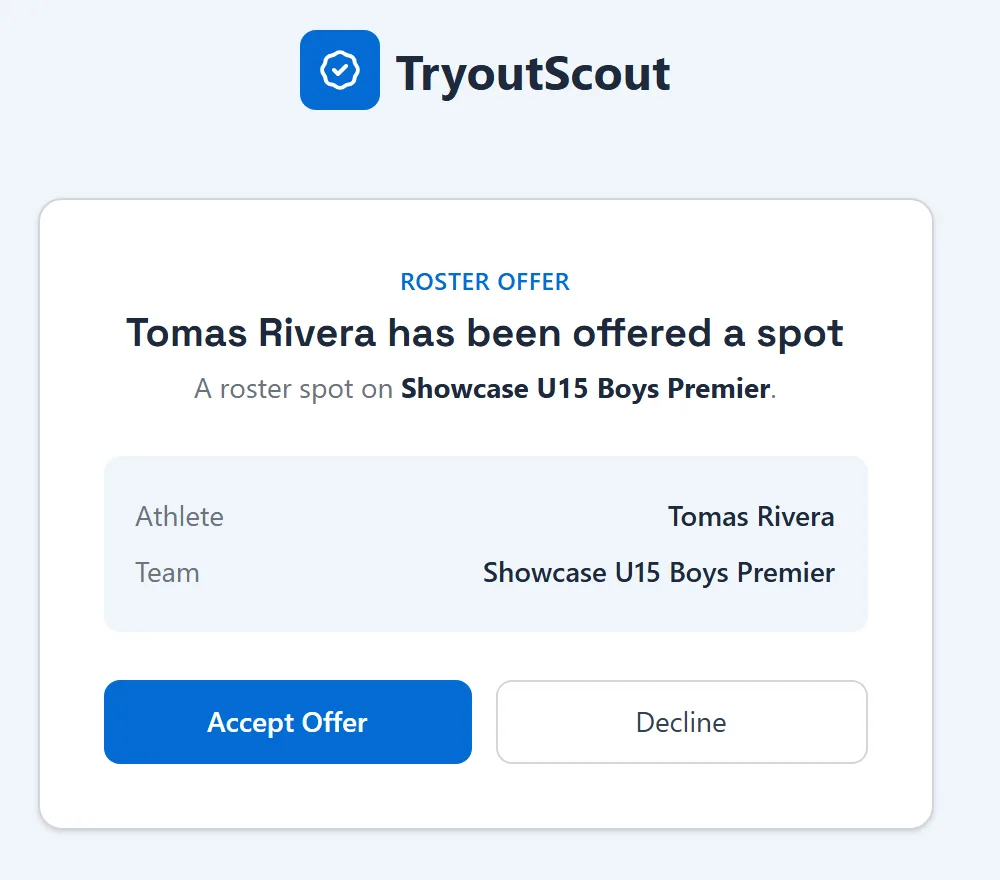
- Roster offers go to the parent or guardian, with roster status tracked by team
Write development plans and season evaluations
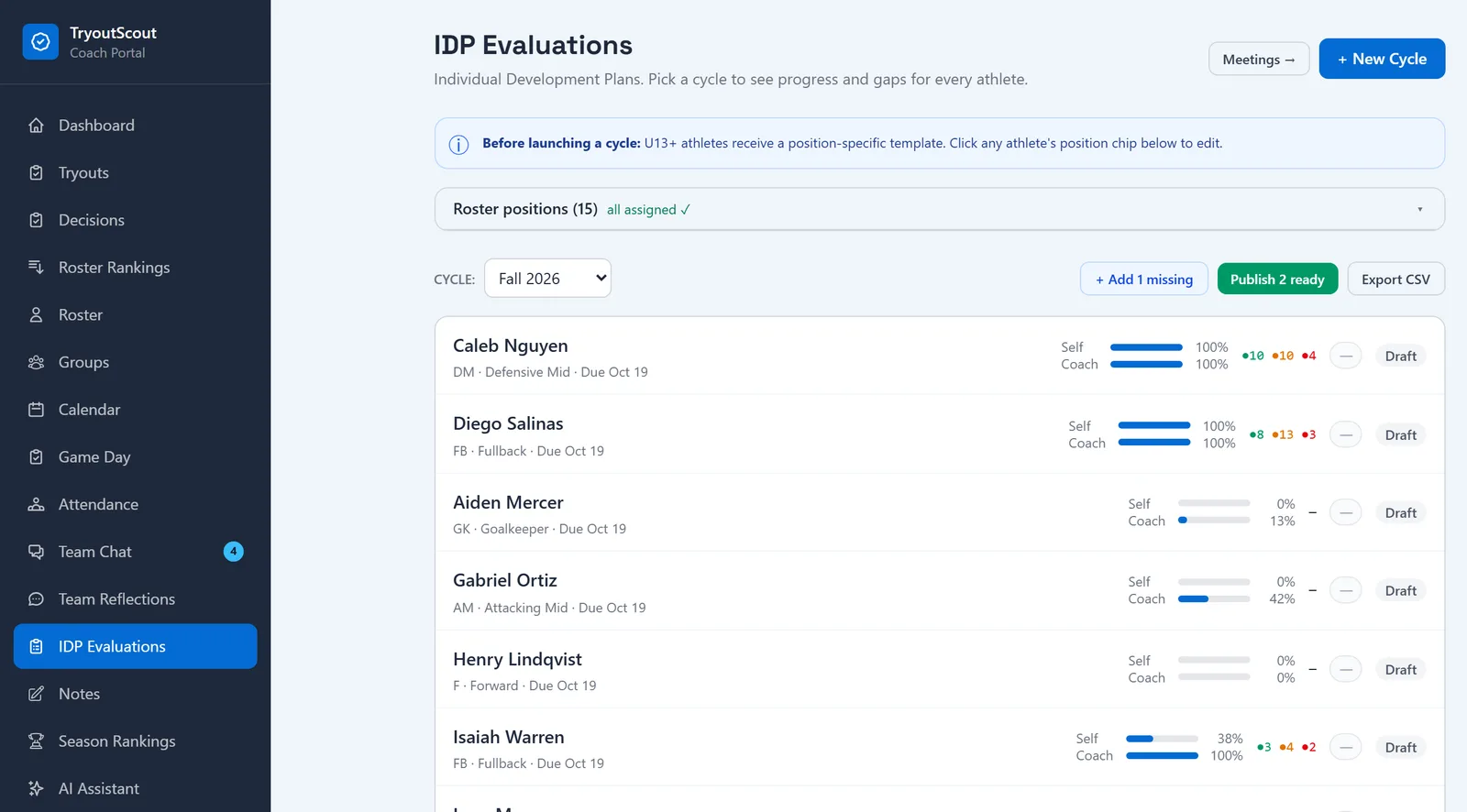
Coaches work from their own roster. Each IDP cycle shows where every player stands, and players U13 and older get a position-specific template.
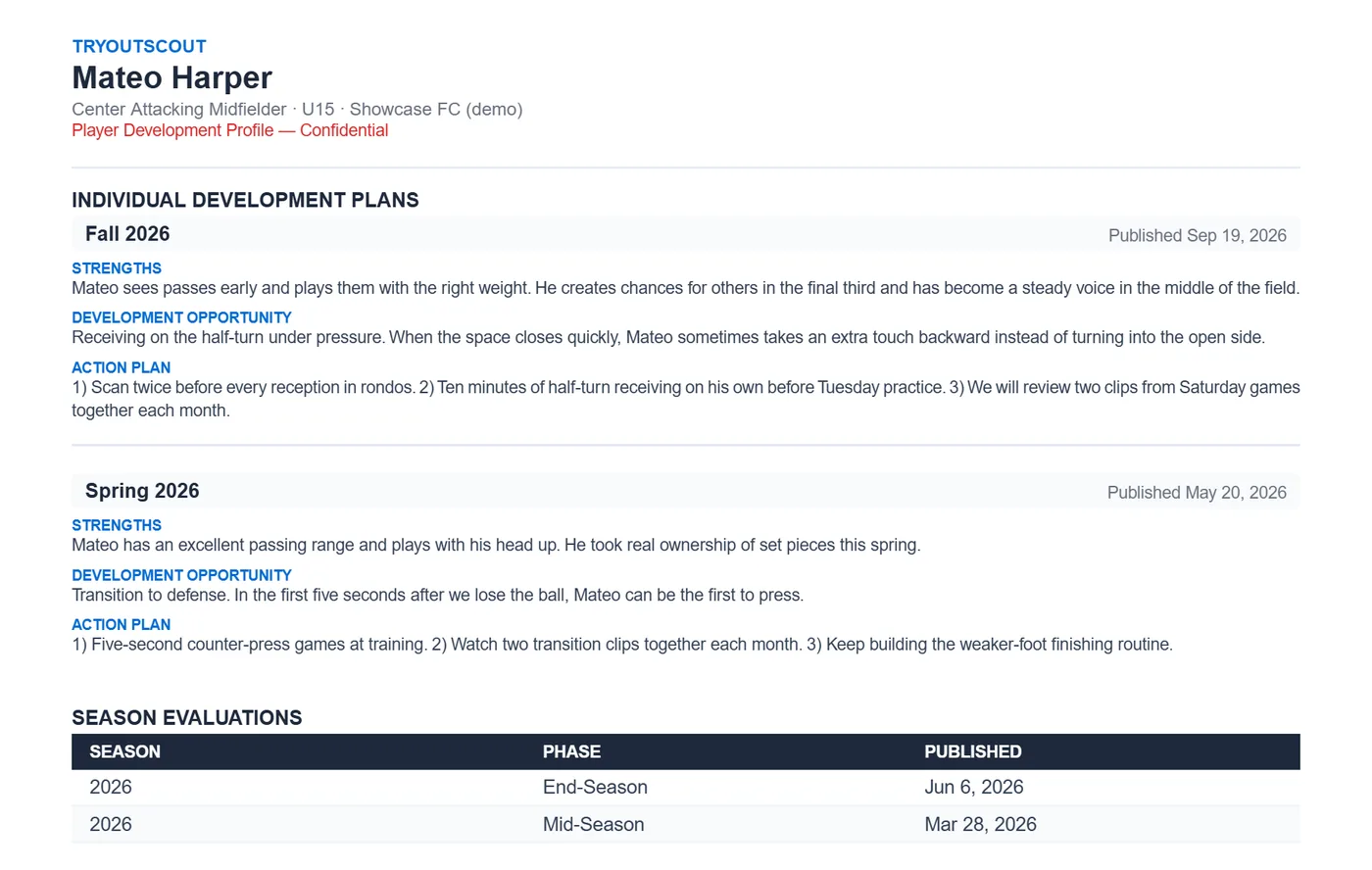
- Individual Development Plans with strengths, growth areas and an action plan
- Mid-season and end-of-season evaluations
- Progress for the player’s self-assessment and the coach’s side of each plan
- Plans are shared with the family once the coach publishes them
One parent portal for everything about your player
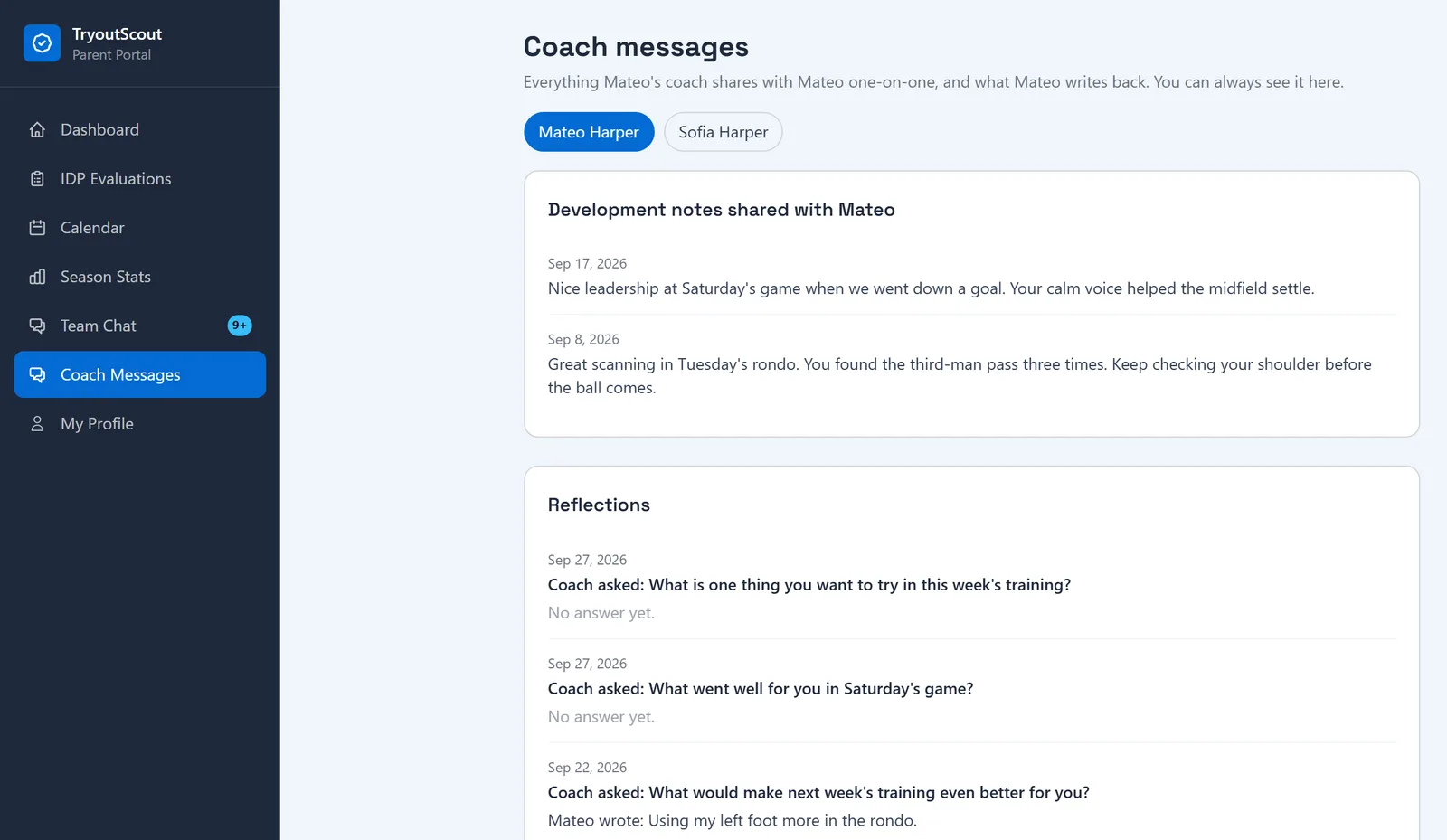
Parents and guardians see the team calendar, team chat, published development plans and Coach Messages, for every child they have at the club.
- Team calendar you can subscribe to
- Team chat and club announcements
- Published development plans and evaluations, view-only
- Coach Messages: notes and reflection prompts the coach shares with your player
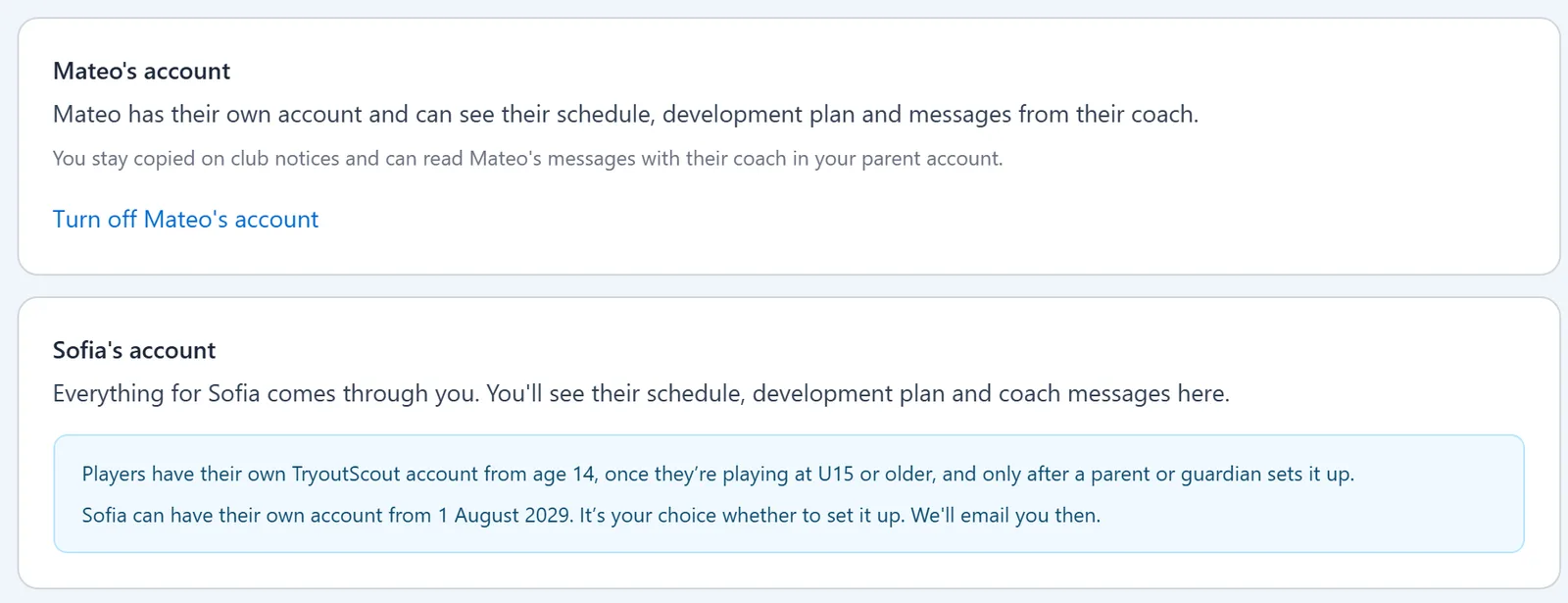
Players 13 and under are always managed through a parent or guardian account. They don’t have their own login; everything comes to the parent.
Older players get their own login
From their 14th birthday, and once they’re playing at U15 or older, a player can have their own account after a parent or guardian approves it. Parents stay copied on club notices and can still read coach messages.
- Their own login, turned on by a parent or guardian
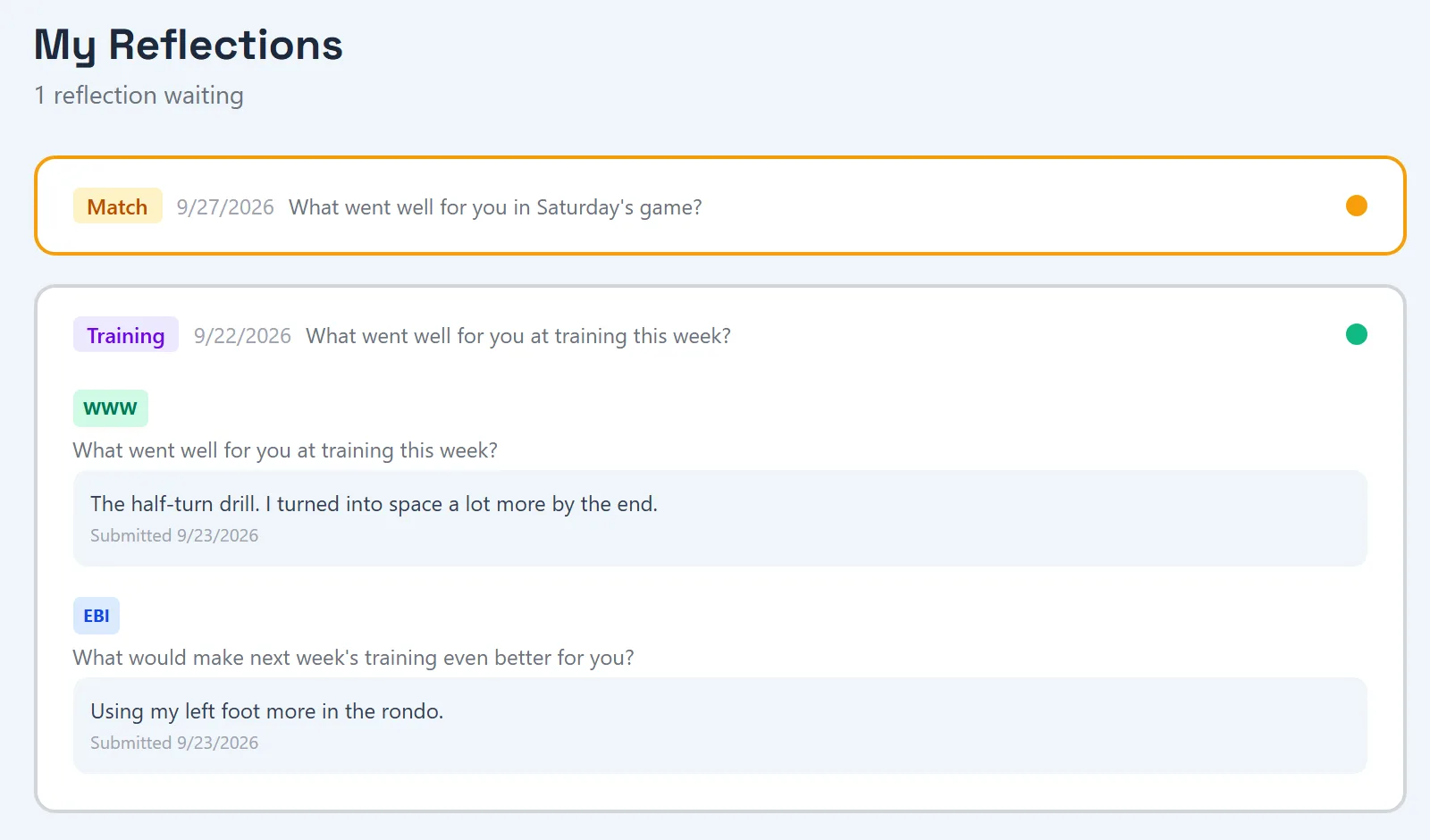
- Reflections: answer the coach’s prompts in their own words
- Player Passport: every published IDP and evaluation in one downloadable PDF